Horizontal ScrollView in React Native
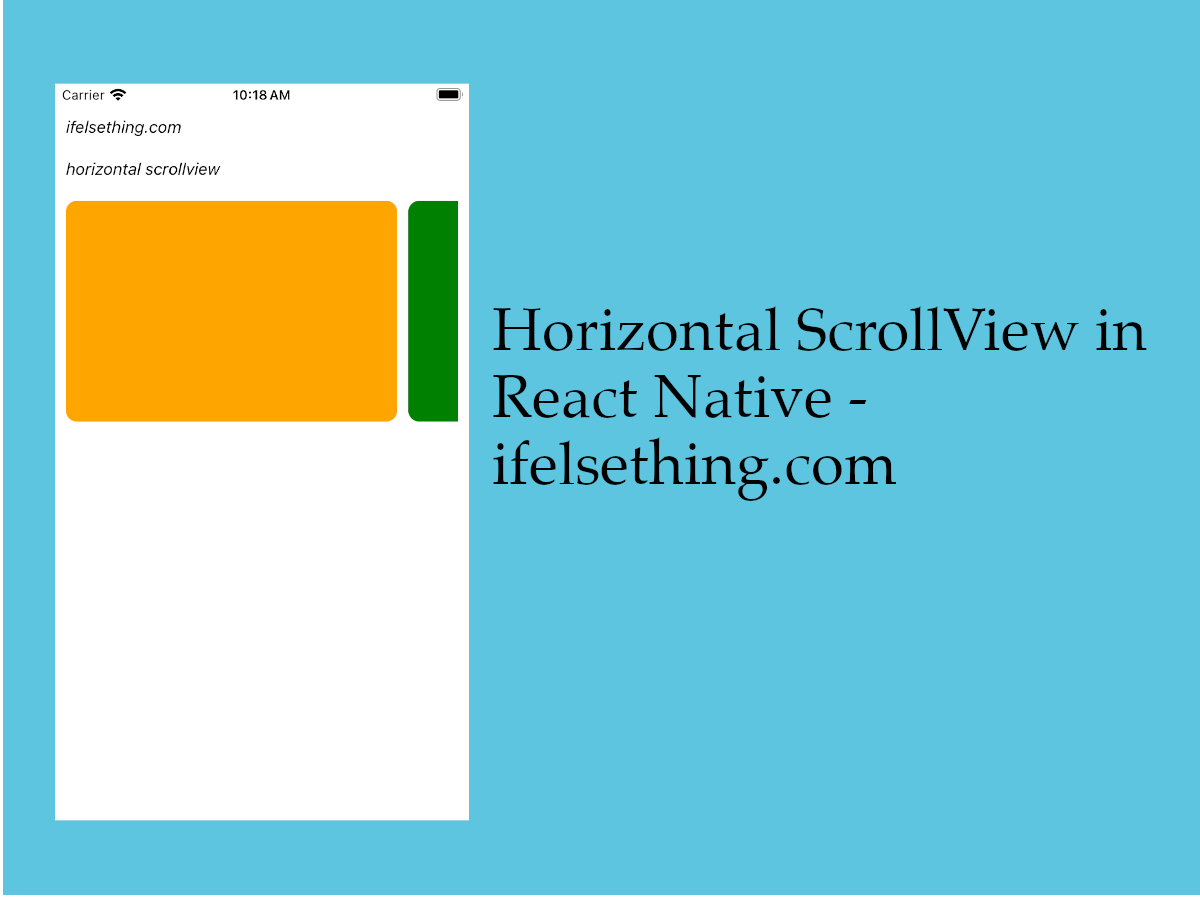
By default, a ScrollView component loads a vertical scrollable list rather than horizontal list. To get a horizontal scrollable list, we have added a horizontal prop to scrollview.
Let's see how it works with an example.
Create A New Project
Create a new react-native project by using npx. Check documentation for creating a new react native project.
npx react-native@latest init ScrollViewRN
Example Implementation
We will create scrollable horizontal color blocks.
Import and add ScrollView with some color blocks.
//App.tsx
...
import { View, ScrollView } from 'react-native';
...
<ScrollView
  contentContainerStyle={styles.content_container}
>
  {
    colors
      .map((color: string) => {
        return (
          <View
            key={color}
            style={[
              styles.view,
              {
                backgroundColor: color
              }
            ]}
          >
          </View>
        )
      })
  }
</ScrollView>
...
If we run the app,
#for Android
npx react-native run-android

#for ios
npx react-native run-ios
Long vertical list of color blocks will be seen.
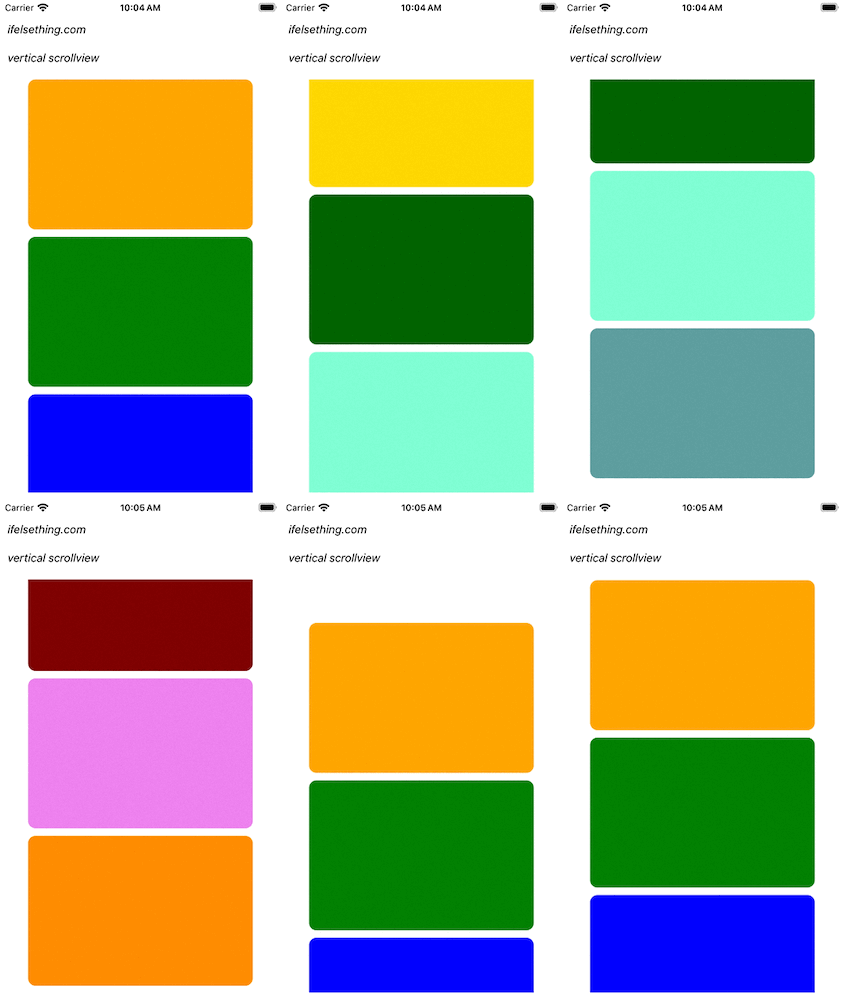
Now we want to transform this vertical list to horizontal list.
To do that, add horizontal={true} or just horizontal to the scrollview as a prop and fix the width of the color block.
...
import { View, ScrollView } from 'react-native';
...
<ScrollView
  ...
  horizontal
>
  ...
</ScrollView>
...
After saving the changes, you can see that the list is horizontal.
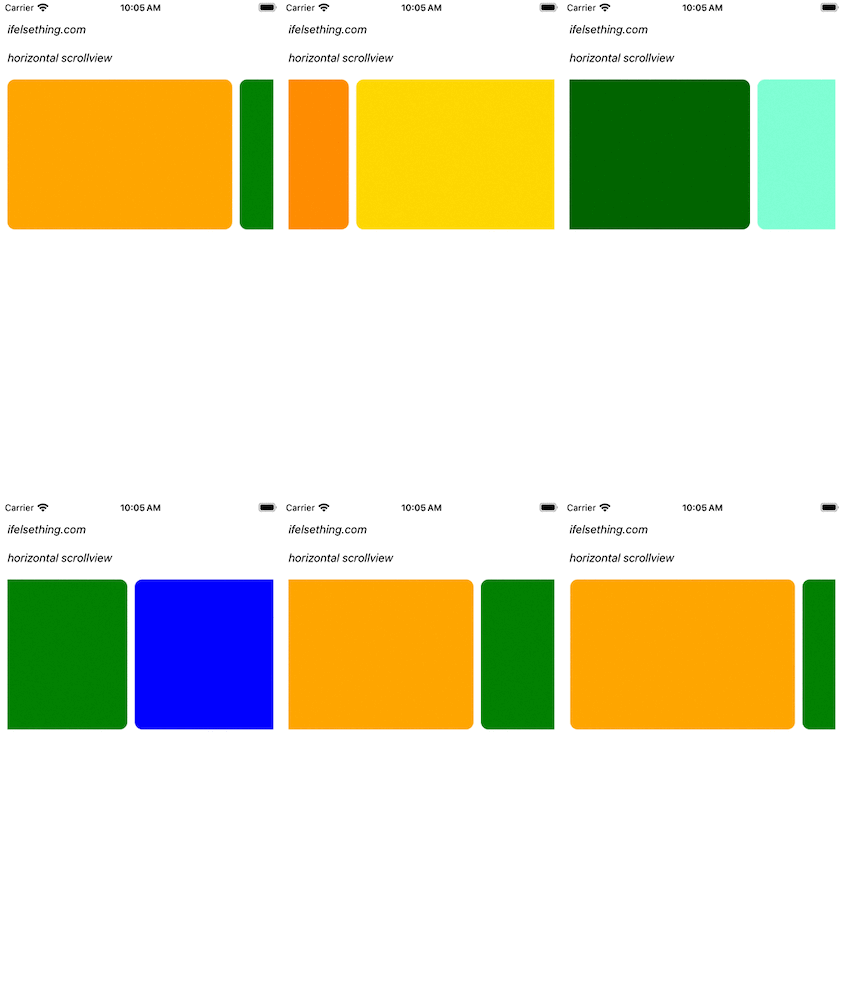
Complete code of our example,
//App.tsx
import React from "react";
import {
  Text,
  StyleSheet,
  SafeAreaView,
  StatusBar,
  View,
  ScrollView,
} from "react-native";

const colors = [
  'orange',
  'green',
  'blue',
  'maroon',
  'violet',
  'darkorange',
  'gold',
  'darkgreen',
  'aquamarine',
  'cadetblue'
];

export default function App() {
  return (
    <SafeAreaView style={{ flex: 1, backgroundColor: 'white' }}>
      <StatusBar
        barStyle="dark-content"
      />
      <View style={styles.container}>
        <Text style={styles.text}>
          ifelsething.com
        </Text>
        <Text style={styles.text}>
          horizontal scrollview
        </Text>
        <ScrollView
          horizontal
          contentContainerStyle={styles.content_container}
        >
          {
            colors
              .map((color: string) => {
                return (
                  <View
                    key={color}
                    style={[
                      styles.view,
                      {
                        backgroundColor: colors
                      }
                    ]}
                  >
                  </View>
                )
              })
          }
        </ScrollView>
      </View>
    </SafeAreaView>
  );
}

const styles = StyleSheet.create({
  container: {
    flex: 1,
    margin: 10,
    gap: 20
  },
  text: {
    fontSize: 15,
    color: 'black',
    fontStyle: 'italic'
  },
  content_container: {
    gap: 10
  },
  view: {
    width: 300,
    height: 200,
    borderRadius: 10,
    //alignSelf: 'center'
  }
});
Related Posts
 VirtualizedList in React Native
 Stop Scrolling at Regular Intervals in React Native
 Show Large Data Lists using React Native FlatList
 Header and Footer for React Native FlatList
 Start Scroll from Different Position in React Native
 Styling ScrollView Children React Native
 Scroll Events of React Native ScrollView
 Flash Scrollbar without Scrolling in React Native
 How to Add Multiple Sticky Headers in React Native